

How To Do Writing On Cricut
This post may contain affiliate links. As an Amazon affiliate, I earn from qualifying purchases. I receive a small commission at no cost to you when you make a purchase using my link.
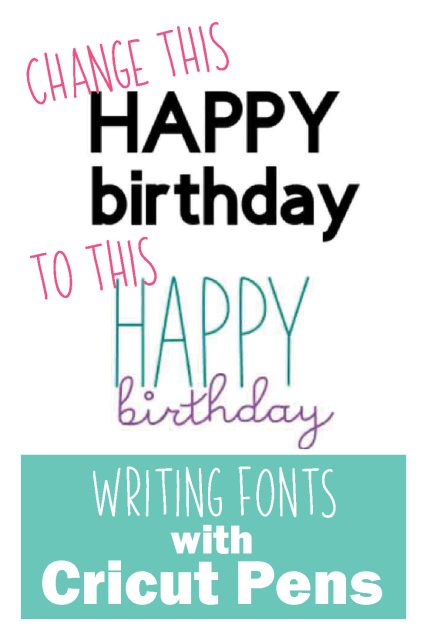
To continue the series about working with text in Cricut Design Space we're focusing on writing fonts today. Writing fonts with Cricut pens is a great way to get consistency in lettering and make certain projects easier.
Want all the information from the whole series in an easy-to-read eBook? Sign up here!
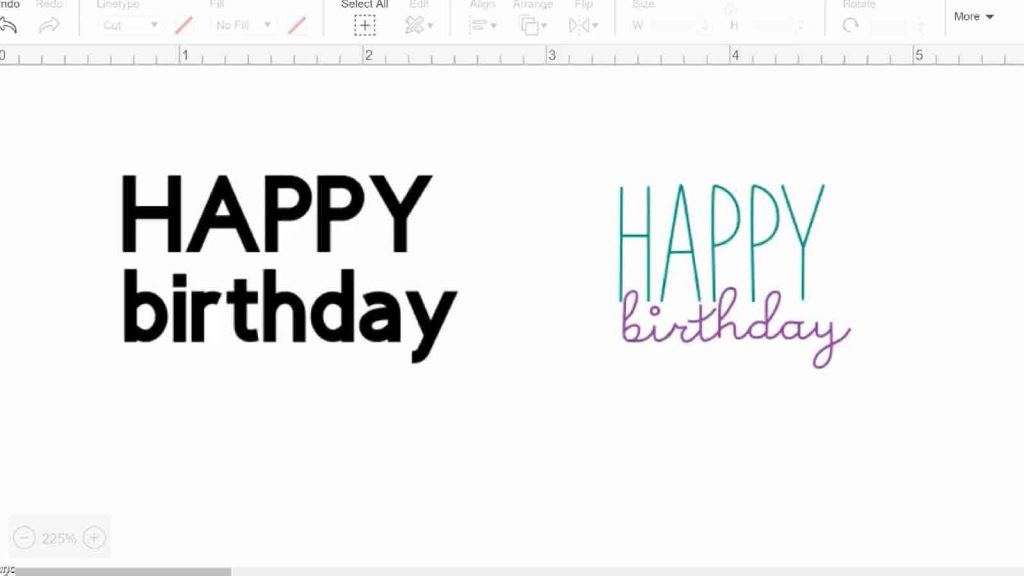
You can turn any cut line into a write line in Design Space.
Do this by clicking the text block then click line type and change from cut to draw. This includes all fonts – it will draw an outline of the letter, following the same path that the blade would if it were being cut out.
Generally though, you'll want the look of the pen writing a letter as you would draw them yourself, as single lines. Some fonts have what's called a "writing style."
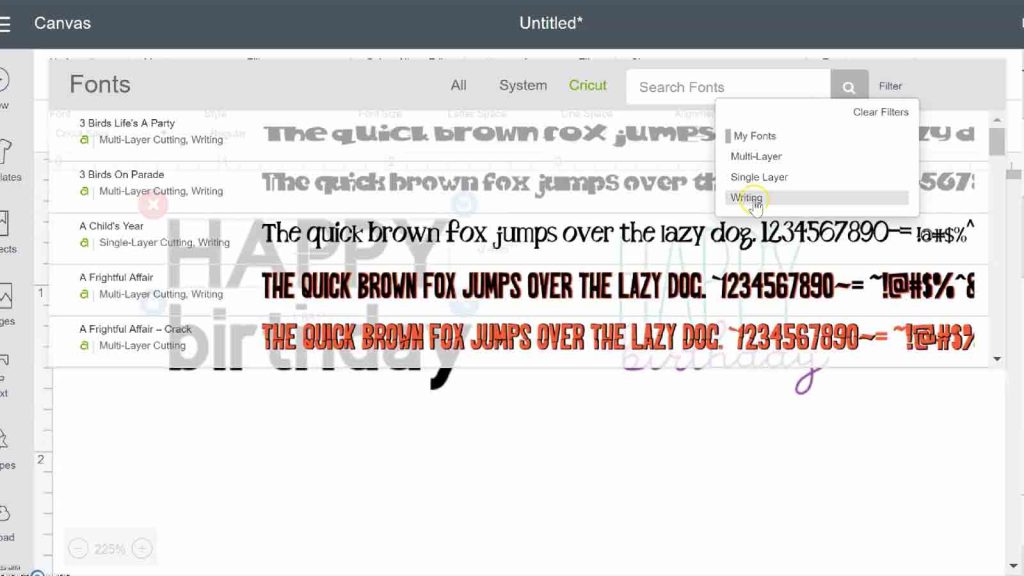
Rookie Mistake: not choosing a "writing" font.
You can filter fonts to show just those that have a built in writing style. In fact, some fonts are ONLY a writing font.
READ THIS POST about How to choose Cricut fonts
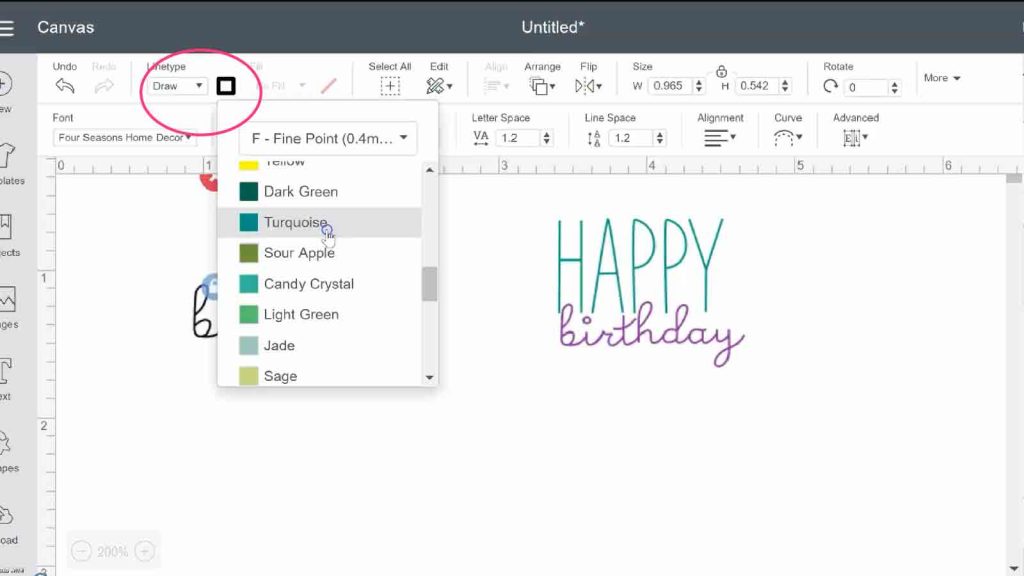
You can change the color of the writing fonts with Cricut pens, or any other draw line, according to different Cricut pen colors. When you go to make your project, Design Space will prompt you to insert the pen color you chose.
It's especially helpful if you're drawing in a few different colors, to keep them straight.
Once you have your font chosen and have the right text typed, check any letter and line spacing.
READ THIS POST on Spacing letters in Cricut Design Space
When everything is in the right place, select all the text and attach it together. If a font is writing only, "weld" isn't even an option.
Watch this video to see how to use writing fonts in Design Space.
Instructions
- Type text in Design Space
- Select a font that has a "writing" option
- Change font style to writing
- Fx any spacing issues
- Attach all letters / words together so they keep the correct spacing
- Insert the correct pen color when prompted by Design Space
Recommended Products
As an Amazon Associate and member of other affiliate programs, I earn from qualifying purchases.
-

Cricut Machine
-
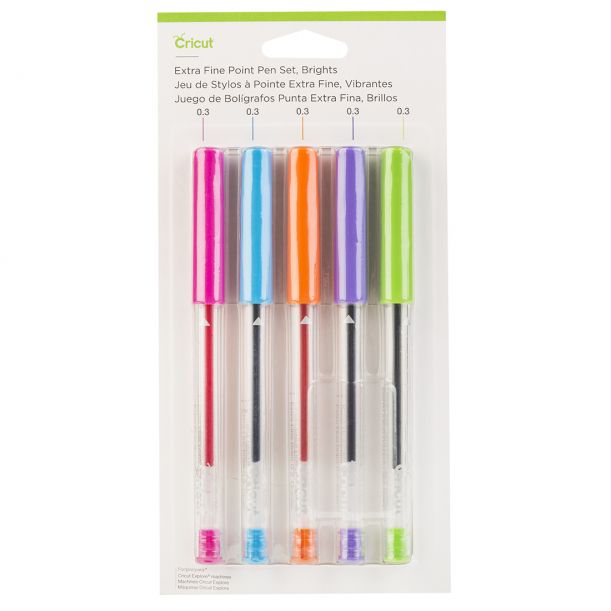
Cricut Pens
Projects to use Cricut Pens:
Gift tags
Scrapbook page captions
Coloring pages
Address envelopes
Message on a card
Doodles / embellishments
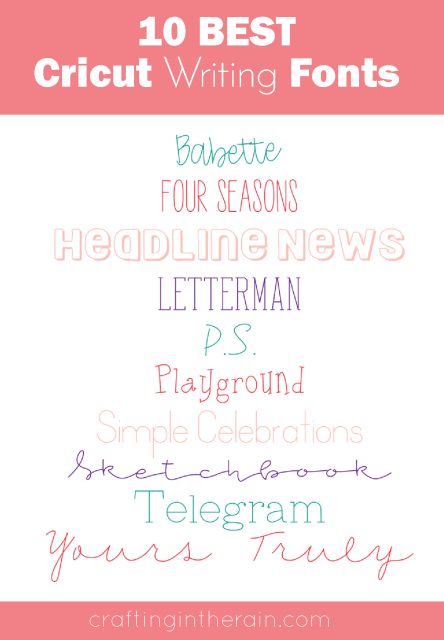
To save you a bit of time searching through fonts, here are some great fonts with writing styles to get you started.
Buy a Cricut Machine
Buy Cricut Access
You still may prefer using downloaded fonts with your Cricut. FontBundles is one of my favorite places to purchase fonts, and they have a collection of free fonts also.
How To Do Writing On Cricut
Source: https://craftingintherain.com/writing-fonts-with-cricut-pens/
Posted by: browderhileace.blogspot.com
0 Response to "How To Do Writing On Cricut"
Post a Comment